Discord Text Repeater: How to Repeat Messages, ASCII Art & Hype Chants (Gaming & Server Guide)
Master the Discord Text Repeater: duplicate hype chants, ASCII announcement banners, and emojis within Discord's 2,000 and 4,000 character limits safely.
In the fast-paced realm of modern online gaming, streaming communities, and esports tournaments, Discord stands as the undisputed champion of voice and text communication. With over 600 million registered gamers and creators spanning millions of community servers, text channels serve as the central hub for real-time reactions, hype trains, clan coordination, and server administration.
Whether you are cheering on an esports teammate during an impossible 1v5 tournament clutch, decorating an announcement channel with aesthetic ASCII borders, or playfully bantering in general chat with your guildmates, plain single-line sentences rarely do the moment justice. That is why gamers and server moderators frequently utilize an online Discord Text Repeater.
However, Discord enforces distinct technical limitations—namely strict character caps (2,000 characters for standard users and 4,000 characters for Nitro members) and built-in AutoMod safety filters. In this comprehensive 2026 guide, you will learn how to duplicate text and emojis for Discord effortlessly, format spectacular markdown boxes, leverage ready-to-copy gaming templates, and steer clear of server timeouts.
Key Takeaways at a Glance
- Character Ceilings: Discord Free users have a strict 2,000-character limit per message. Discord Nitro subscribers enjoy an expanded cap of 4,000 characters.
- Instant Browser Automation: Instead of pressing
Ctrl+Veighty times on your keyboard, you can generate hundreds of repeated words, emojis, or ASCII frames in 0.1 milliseconds using our free Text Repeater Online tool. - Markdown Synergy: Discord natively parses standard Markdown. Combining text repetition with code blocks (
```), spoilers (||), and quotes (>) produces interactive mini-games and high-visibility server announcements. - Slowmode Awareness: When server channels have slowmode enabled (e.g., 5s, 30s, or 2m), you only get one message every cycle. Sending a well-formatted 50x repeated chant ensures your message creates maximum visual impact.
- AutoMod & Spam Compliance: Respect community rules. Never use text repeaters to mass-ping roles (
@everyoneor@here) or bypass automated server filters, which can result in temporary mutes or server bans.
Table of Contents
- What is a Discord Text Repeater?
- Discord Character Limits: Free vs Nitro (2026 Technical Metrics)
- How to Use the Text Repeater for Discord (Step-by-Step)
- Creative Ways to Use Repeated Text on Discord
- Discord Markdown Secrets: Combining Repeaters with Formatting
- 10 Ready-to-Copy Discord Gaming & Server Templates
- Safety & AutoMod: How to Repeat Text Without Getting Banned
- Frequently Asked Questions (FAQ)
- Conclusion & Next Steps
What is a Discord Text Repeater?
A Discord Text Repeater is a lightning-fast web tool that duplicates words, gaming slogans, custom emoji sequences, or ASCII art lines an exact number of times.
In intense gaming moments—such as securing an Apex Legends Champion screen, clutching a 1v4 round in Valorant, or defeating a mythic raid boss in World of Warcraft—typing out individual cheer messages feels far too sluggish. By using a client-side generator, you simply type your victory cheer once, set your multiplier, click copy, and paste an impeccably aligned celebration wall directly into your team’s voice-chat text channel.
Unlike questionable bot tokens or shady macro downloadables that risk violating the Discord Terms of Service, our free online Text Repeater runs purely in your web browser. It does not access your Discord account, requires zero bot invitations, installs zero files, and guarantees 100% privacy and security.
Discord Character Limits: Free vs Nitro (2026 Technical Metrics)
To craft the perfect Discord message, you must understand how Discord’s backend validates string lengths.
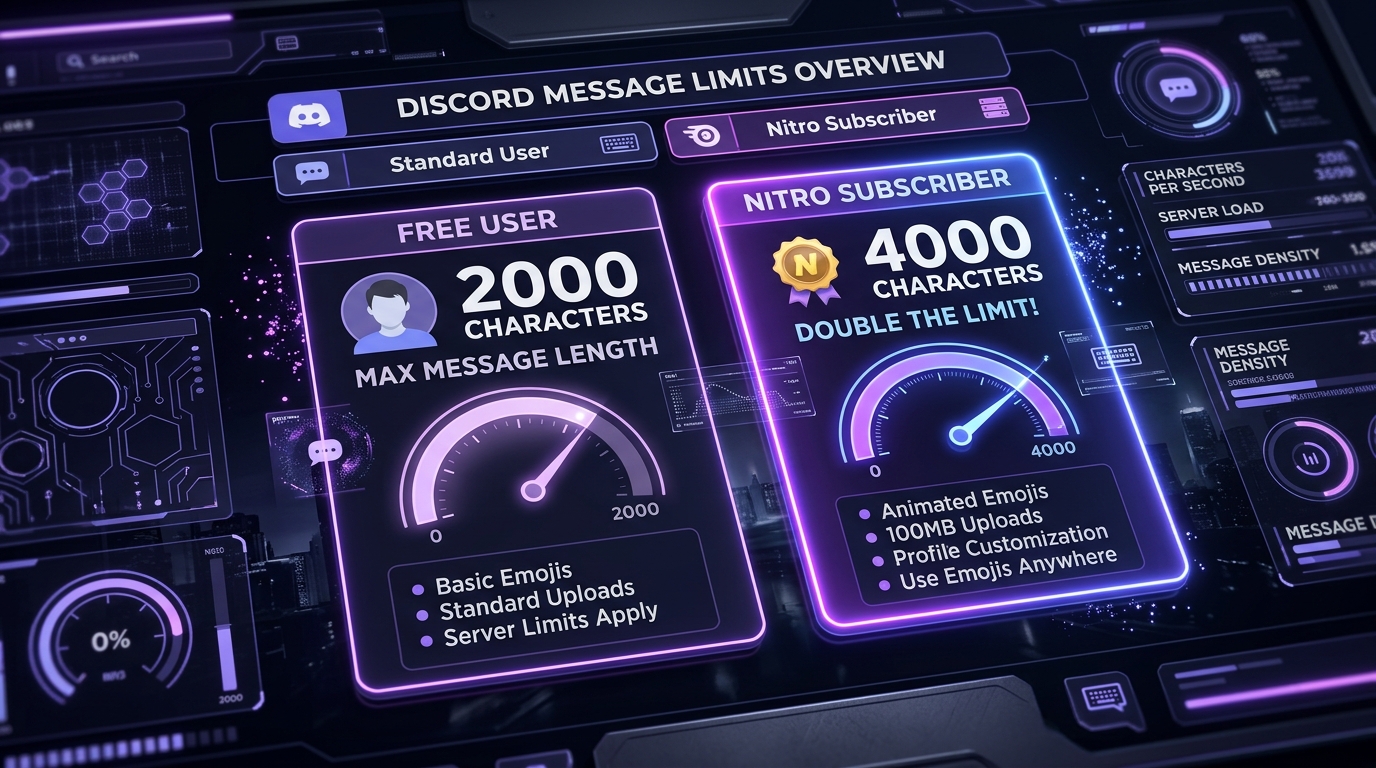
Discord splits its messaging tiers into two primary categories:
1. Discord Free Tier (2,000 Characters)
All standard Discord accounts are subject to an absolute maximum of 2,000 characters per message. If your repeated phrase exceeds 2,000 characters by even a single byte, the desktop client will highlight your chat box in red, and the mobile app will display a pop-up reading: “Your message is too long (X/2000 characters). You could upgrade to Nitro, or send it as a text file.”
2. Discord Nitro Tier (4,000 Characters)
Subscribers to the full Discord Nitro plan receive a doubled character ceiling of 4,000 characters per message. (Note: Nitro Basic subscribers remain on the standard 2,000-character limit).
Here is a side-by-side comparison table analyzing safe repetition counts for Discord alongside other popular community apps:
| Platform / Plan | Hard Character Limit | Max Safe Repetitions (Single Word) | Best Separator | Native Markdown Support |
|---|---|---|---|---|
| Discord (Free User) | 2,000 characters | 100 – 180 repeats | New Line (\n) or Space |
✅ Full Markdown + Codeblocks |
| Discord (Nitro Subscriber) | 4,000 characters | 250 – 400 repeats | New Line (\n) or Space |
✅ Full Markdown + Codeblocks |
| Discord Forum Posts | 2,000 chars (Opener: 4,000) | 150 – 350 repeats | New Line (\n) |
✅ Full Markdown + Headers |
| WhatsApp (Comparison) | 65,536 characters | 5,000 – 10,000 repeats | New Line (\n) |
⚠️ Basic formatting only |
| Instagram Comments (Comparison) | ~1,000 characters | 50 – 120 repeats | Space ( ) |
❌ No Markdown support |
| Telegram Messages (Comparison) | 4,096 characters | 300 – 600 repeats | New Line (\n) |
✅ Markdown + Spoilers |
[!TIP] Calculating Discord Repetitions: If your word is
"HYPE! 🔥"(7 characters including space and emoji), repeating it 100 times with a newline separator produces:(7 characters + 1 newline) × 100 = 800 characters. This sits comfortably well below the 2,000-character cap! You can check exact character math in our Text Repeater 1,000 Times Guide.
How to Use the Text Repeater for Discord (Step-by-Step)
Generating repeated text for Discord channels takes under ten seconds. Follow this straightforward workflow:
┌─────────────────────────────────────────────────────────────┐
│ 1. Enter Your Gaming Word or Emoji ("POGGERS! 🎮")          │
├─────────────────────────────────────────────────────────────┤
│ 2. Set Repetition Multiplier (e.g., 60x for Free Discord)   │
├─────────────────────────────────────────────────────────────┤
│ 3. Choose Your Separator (New Line or Space)                │
├─────────────────────────────────────────────────────────────┤
│ 4. Tap "Generate" ➔ Tap "Copy" ➔ Paste into Discord Channel!│
└─────────────────────────────────────────────────────────────┘
Step 1: Open the Online Repeater
Open Text Repeater Online in your browser. Whether you are using Chrome on your gaming PC or Safari on your mobile device while watching a Twitch stream, the interface responds instantly.
Step 2: Input Your Gaming Slogan or Emojis
In the input textarea, type or paste your custom text. You can use standard text, Unicode symbols, custom Discord emoji codes (like <:pepeclap:8472910392>), or universal emojis (like 🏆, 💀, or 🔥).
Step 3: Enter Your Target Repetition Count
Choose an appropriate repetition multiplier:
- For a Free Discord Account (2,000 limit): Choose between 40 and 120 repetitions.
- For a Discord Nitro Account (4,000 limit): Choose between 100 and 300 repetitions.
- For ASCII Server Dividers (
═══): Choose between 25 and 45 repetitions.
Step 4: Pick the Right Separator
- New Line (
\n): Stacks each phrase vertically. Ideal for victory scrolls and dramatic countdowns. - Space (
- None: Joins characters without gaps. Essential when duplicating decorative lines like
═══════════or───────────.
Step 5: One-Click Copy & Paste
Hit the “Repeat Text” button. The generator outputs your string instantly. Click the “Copy” button to load the text into your clipboard. Switch to Discord, click into your text channel, press Ctrl + V (or tap “Paste” on mobile), and hit Enter!
For further details on separator configurations, check our beginner tutorial on how to use our online text repeater.
Creative Ways to Use Repeated Text on Discord
Discord’s dynamic community culture offers boundless opportunities for creative text repetition. Here are four popular use cases:
1. Esports & Gaming Tournament Hype Chants
During live watch parties in community Discord servers, text chat moves at breakneck speed. Sending single-word reactions often gets buried instantly. A concentrated 50x repeated chant of your favorite team’s tag (e.g., "T1 FIGHTING! 🛡️" or "SEN CITY! 🏆") creates a massive tidal wave of team spirit that catches everyone’s eye.
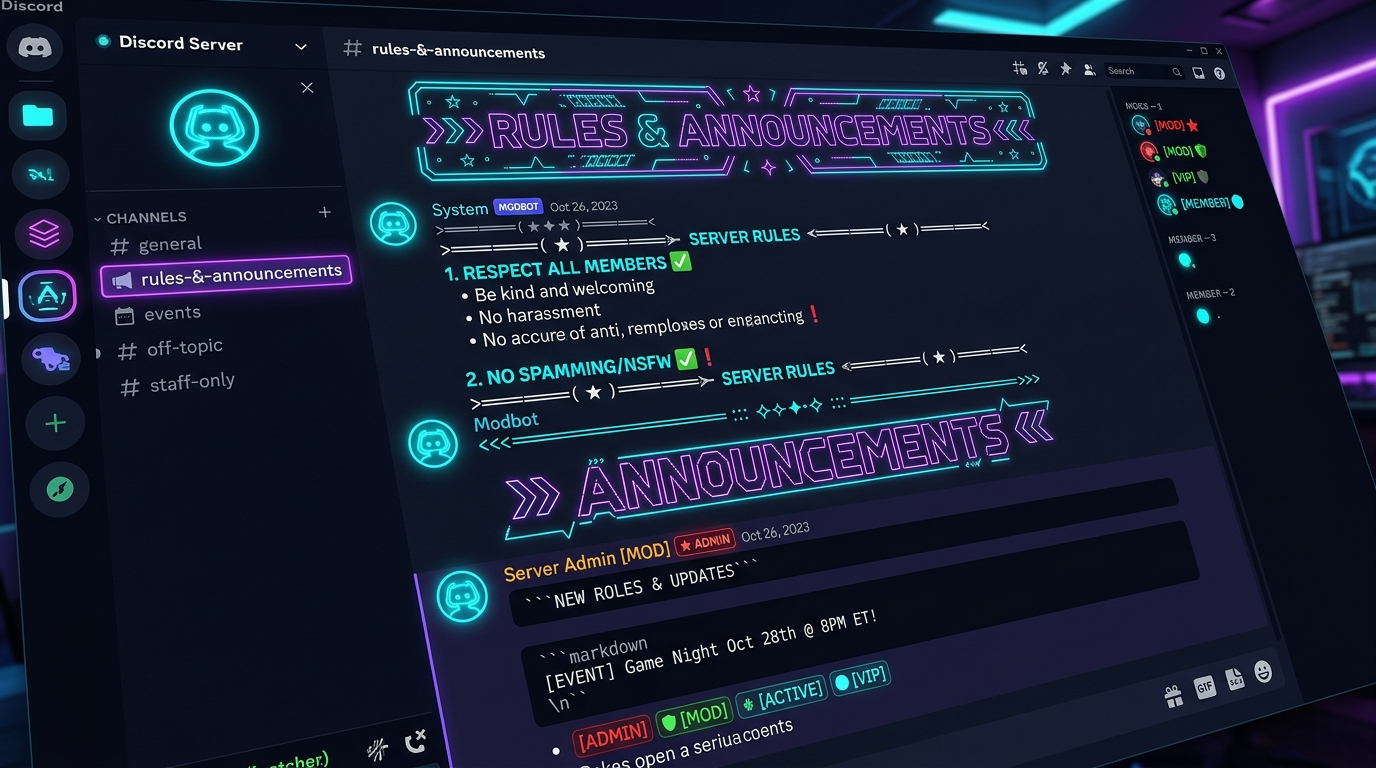
2. Server Rules & Announcement Channel ASCII Banners
Community managers, guild leaders, and Discord server creators often struggle to make #rules, #roles, and #announcements channels look visually distinct. By using our text repeater with zero separator, you can generate flawless horizontal border lines (e.g., ─────────────────────────── or ❖═════════════════════════❖) to neatly section off long rule blocks.
3. Interactive Discord Bubblewrap (Spoiler Pop Game)
One of the most viral and satisfying mini-games on Discord is “Digital Bubblewrap”. By repeating the Discord spoiler syntax ||pop|| dozens of times separated by spaces, you create a grid of hidden spoiler tags that server members can click to pop like real bubblewrap! (Check Template #5 below for the exact copy-paste code).
4. Role-Play & Raid Defense Sirens
In multiplayer MMOs and survival games (such as Rust, ARK, EVE Online, or Destiny 2), sudden clan base raids demand immediate mobilization. Server moderators use text repeaters to blast a high-visibility siren wall (🚨 RAID ALERT! DEFEND THE COMPOUND! 🚨) into emergency ping channels, cutting through casual chatter instantly.
Discord Markdown Secrets: Combining Repeaters with Formatting
Discord is one of the few chat platforms that natively supports rich Markdown and syntax-highlighted codeblocks. By combining repeated text with Discord’s Markdown syntax, you can unlock stunning visual effects:
1. The Monospace Code Block
Wrap your repeated ASCII borders in triple backticks (```). This forces Discord to render the text in a fixed-width monospace font, guaranteeing that borders, columns, and tables remain perfectly aligned on both mobile and desktop screens:
```
╔════════════════════════════════════════╗
║         OFFICIAL SERVER RULES          ║
╚════════════════════════════════════════╝
```
2. Blockquotes for High-Priority Announcements
Prefix your repeated text with > to create a sleek vertical accent bar along the left margin of your message:
> ⚡ SERVER REBOOT IN 5 MINUTES ⚡
> ⚡ PLEASE FINISH YOUR DUNGEON ⚡
3. Masked Spoiler Cascades
Placing double vertical bars || around your repeated phrases hides the text behind a black click-to-reveal censor box until tapped. This is sensational for mystery prize giveaways, riddle reveals, or friendly prank spoilers. (For more prank ideas, read our guide on 10 Fun WhatsApp & Messaging Tricks).
10 Ready-to-Copy Discord Gaming & Server Templates
Here are ten battle-tested templates tailored specifically for Discord’s 2,000-character ecosystem. Paste these into our Text Repeater Online tool to create instant custom batches:
Template 1: The Esports “CLUTCH” Victory Chant
- Input:
CLUTCH OR KICK! 👑🔥 - Suggested Count:
40 - Separator:
New Line - Character Total: ~680 chars (Safe for Free Discord)
- Best For: Round-winning plays in CS2, Valorant, or Rainbow Six Siege.
Template 2: The Double-Line Server Header Frame
- Input:
═ - Suggested Count:
36 - Separator:
None - Output Preview:
════════════════════════════════════ - Best For: Framing title headers in
#welcomeand#ruleschannels.
Template 3: The Clan Raid Emergency Siren
- Input:
🚨 CLAN RAID ACTIVE! LOG ON NOW! 🚨 - Suggested Count:
25 - Separator:
New Line - Best For: Emergency ping channels in Rust, ARK, or faction warfare games.
Template 4: The Sportsmanship “GG WP” Wall
- Input:
GG WP! Well Played Team! 🎮👏 - Suggested Count:
35 - Separator:
New Line - Best For: Concluding competitive scrims and tournament matches with style.
Template 5: The Viral “Discord Bubblewrap” Pop Game
- Input:
||pop|| - Suggested Count:
120 - Separator:
Space - Character Total: ~960 chars (100% Free Discord compatible)
- Output Effect: Creates an interactive grid of 120 clickable popping bubbles!
Template 6: The “L + RATIO” Meme Counter
- Input:
L + RATIO + NO AMMO 💀 - Suggested Count:
30 - Separator:
Space - Best For: Friendly gaming banter and reacting to epic gaming fails.
Template 7: The Minimalist Dotted Rule Divider
- Input:
· - Suggested Count:
35 - Separator:
None - Output Preview:
· · · · · · · · · · · · · · · · · · · · · · · · · · · · · · · · · · · - Best For: Dividing paragraphs in long server FAQ announcements.
Template 8: The Streamer “GO LIVE” Hype Siren
- Input:
🔴 STREAM IS LIVE! GET IN HERE! 🍿 - Suggested Count:
20 - Separator:
New Line - Best For: Stream announcement channels when a Twitch or YouTube broadcast begins.
Template 9: The Level-Up Congratulations Banner
- Input:
LEVEL UP! GG! 🌟🎉 - Suggested Count:
30 - Separator:
New Line - Best For: Celebrating members reaching top server ranks and XP tiers.
Template 10: The Golden Diamond Border
- Input:
❖ - Suggested Count:
20 - Separator:
None - Output Preview:
❖ ❖ ❖ ❖ ❖ ❖ ❖ ❖ ❖ ❖ ❖ ❖ ❖ ❖ ❖ ❖ ❖ ❖ ❖ ❖ - Best For: Elegant server category descriptions and role assignment posts.
Safety & AutoMod: How to Repeat Text Without Getting Banned
While text repeating adds massive energy to friendly gaming sessions, abusing it can lead to swift disciplinary action from Discord server staff or automated bot systems.
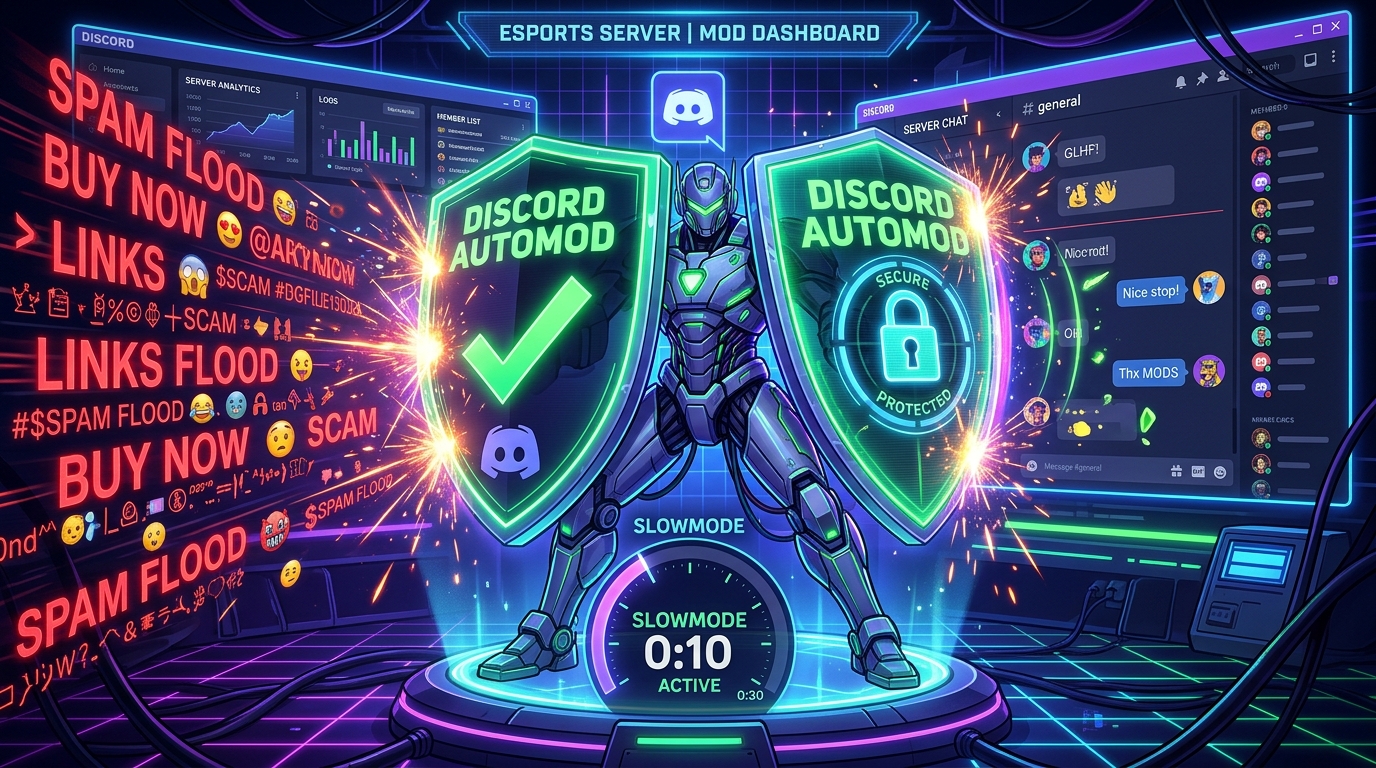
Understanding Discord’s AutoMod Engine
Discord provides server owners with a built-in safety suite called AutoMod, supplemented by popular moderation bots like Carl-bot, MEE6, and Dyno. These systems enforce:
- Mention Spam Limits: Automatically blocking messages that contain too many user or role mentions.
- Repetition Spam Filters: Detecting identical strings posted repeatedly within a short window.
- Regex Word Lists: Filtering explicit words or prohibited promotional links.
5 Rules for Responsible Discord Text Repeating
- Never Mass-Mention Roles in Repeated Text: Repeating a phrase that contains
@everyone,@here, or a specific server role will immediately trigger AutoMod’s mention-spam threshold, resulting in an automatic mute or ban. - Respect Channel Slowmode: If a channel has slowmode activated (such as 15 seconds), do not attempt to bypass it using alternate accounts or bot webhooks.
- Confine Hype to Designated Channels: Many gaming servers feature dedicated
#spam,#bot-commands, or#hypechannels specifically designed for large text cascades. Keep heavy repetition out of serious discussion channels like#announcementsor#support. - Mind the 2,000-Character Threshold: If your generated block exceeds 2,000 characters, Discord will block sending. Always check your multiplier beforehand to ensure smooth one-tap delivery.
- Never Use Autonomous Macro Bots: Pasting text manually from your clipboard is completely safe. However, using automated macro scripts or self-bots to send hundreds of messages automatically violates Discord’s API policies and can lead to permanent account termination.
Frequently Asked Questions (FAQ)
Can I send 1,000 repeated words in a single Discord message?
No. Standard Discord messages are strictly limited to 2,000 characters, while Discord Nitro messages cap out at 4,000 characters. An average 1,000-word sentence requires roughly 6,000 to 8,000 characters. To send 1,000 repetitions on Discord, you must split your text into 3 to 4 sequential messages, or check our benchmark study on repeating text 10,000 times safely.
Does repeating text get your Discord account banned?
Sending a playful repeated message or hype chant in a friendly gaming channel will not ban your Discord account. However, flooding public channels, raiding other servers, or spamming unsolicited direct messages (DMs) violates Discord’s Community Guidelines and can result in server kicks, mutes, or account suspensions.
How do I make repeated text appear on separate lines on Discord?
In our Text Repeater tool, simply select the “New Line” separator option before clicking Generate. When pasted into Discord, every single repetition will sit on its own dedicated vertical line.
Can I repeat custom Discord server emojis?
Yes! If you have Discord Nitro (or if you are posting inside the server where the custom emoji lives), you can type the emoji code (such as :pog: or <:custom_emoji:123456789>) into the text repeater. When you paste the output into Discord, each code will render as the full animated or static custom emoji!
Why does Discord turn my text box red when I paste?
If your Discord message box turns red and the Send button stops working, your message has exceeded the character limit (over 2,000 characters for free users, or over 4,000 characters for Nitro members). Lower your repetition multiplier on our tool to around 50 or 80 and try again.
What is the “Discord Bubblewrap” trick?
The Discord Bubblewrap trick is an interactive game where you repeat the spoiler syntax ||pop|| dozens of times separated by spaces. When sent in chat, it creates a grid of hidden spoiler tags that server members can click to pop like real bubblewrap!
How do I make repeated lines look like a solid box on Discord?
Wrap your repeated ASCII characters in triple backtick code blocks (```). Code blocks force Discord to use fixed-width monospace fonts, which prevents jagged edges and aligns borders perfectly across both desktop and mobile devices.
Can I use this Text Repeater on mobile phones for the Discord app?
Yes, 100%! Our online Text Repeater is fully optimized for mobile browsers on iOS and Android. You can generate, copy, and paste your repeated text into the Discord mobile app with a single tap.
Conclusion & Next Steps
Discord text channels are where unforgettable gaming memories, tournament hype, and vibrant online communities thrive. By using an online Discord Text Repeater, you can instantly amplify team spirit, construct gorgeous announcement banners, and entertain your guild with interactive spoiler mini-games—all while saving your fingers from tedious typing.
Remember to keep Discord’s character rules in mind: 2,000 characters for standard users and 4,000 characters for Nitro subscribers. Keep your hype in the right channels, respect AutoMod rate limits, and let your creativity shine!
Ready to craft your next viral Discord hype chant or server divider? Visit our free Text Repeater Online tool now, enter your phrase, choose your separator, and copy your masterpiece in seconds!
Looking for more platform-specific messaging tricks? Explore our comprehensive Instagram Text Repeater Guide, discover 10 Fun WhatsApp Text Repeater Tricks, or learn how to send blank invisible messages.
Want to repeat text right now?
Use our fast online tool to duplicate any word or emoji up to 50,000 times with instant 1-tap copy!
More Helpful Guides & Articles
Can Text Repeater Repeat Text Up to 10,000 Times? Performance, Limits & Guide
Can an online text repeater duplicate text 10,000 times without freezing your browser? Discover performance benchmarks, memory limits, and WhatsApp paste rules.
How to Send Blank or Invisible Messages on WhatsApp & Instagram
Learn how to send completely blank and invisible messages on WhatsApp & Instagram. Copy Unicode empty characters, bypass spacebar limits, and run fun chat pranks.